The "Whiskers of Wonder" – Chibbly's Digital Collection
Carry the magic of Chibbly’s most viral moments wherever you go. 🐰✨
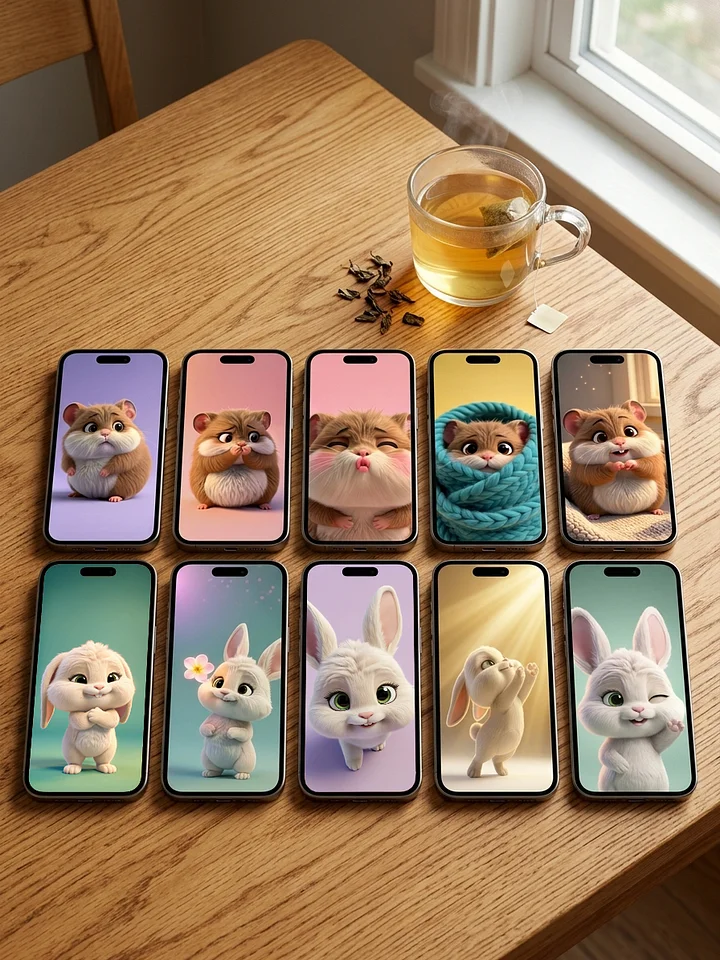
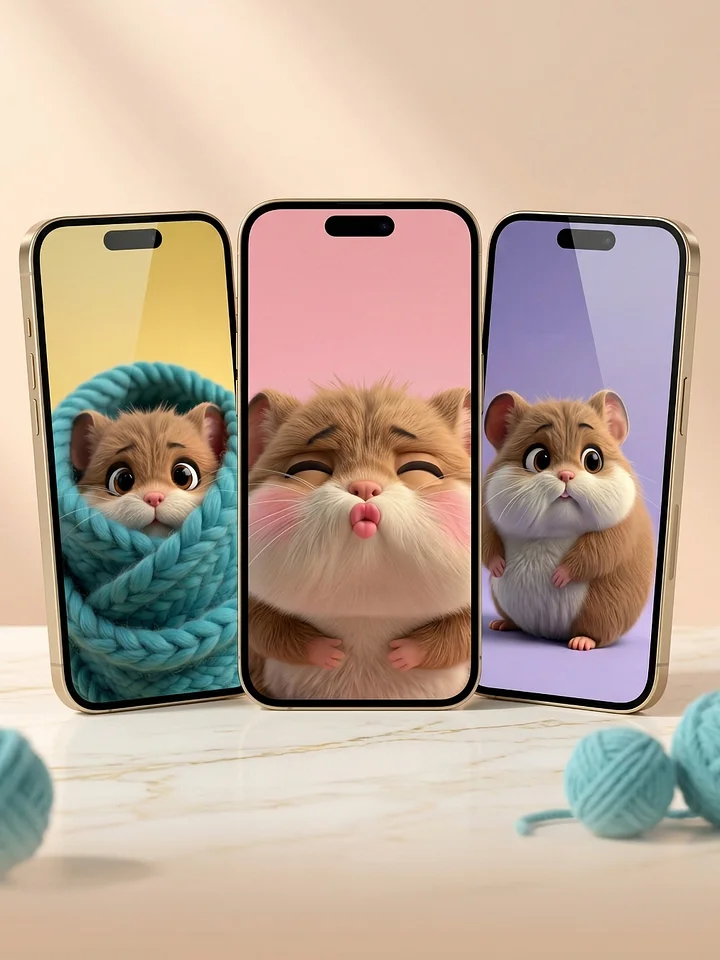
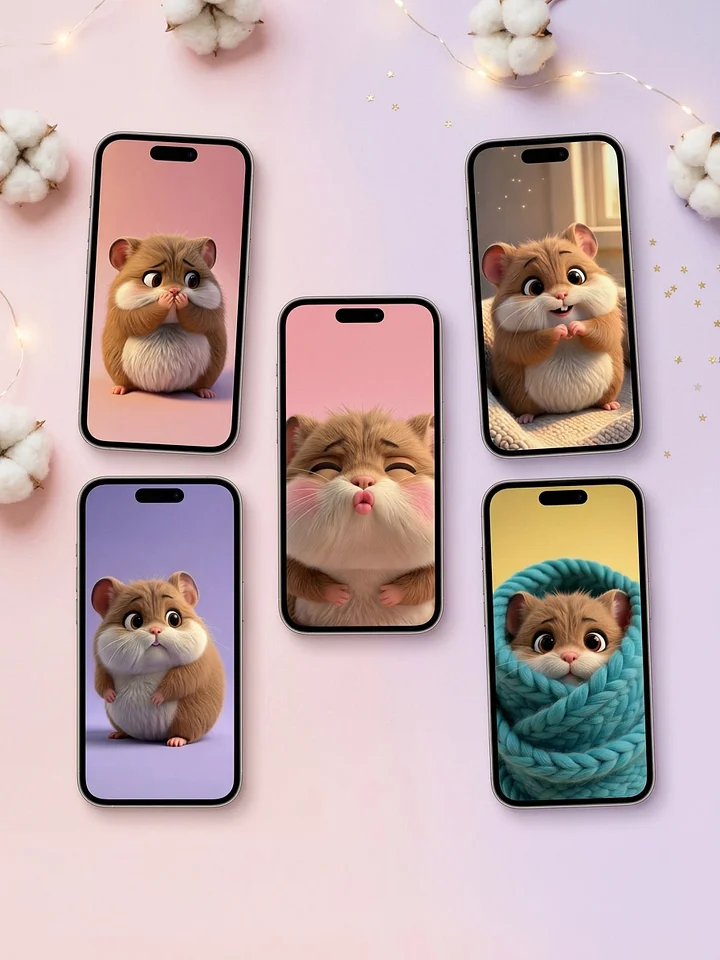
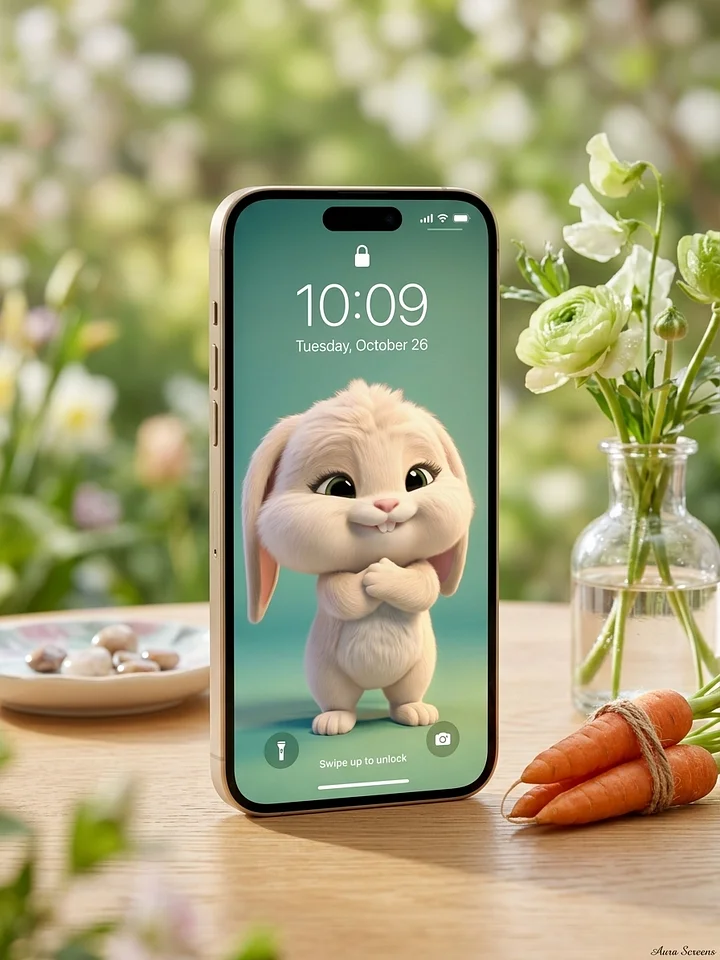
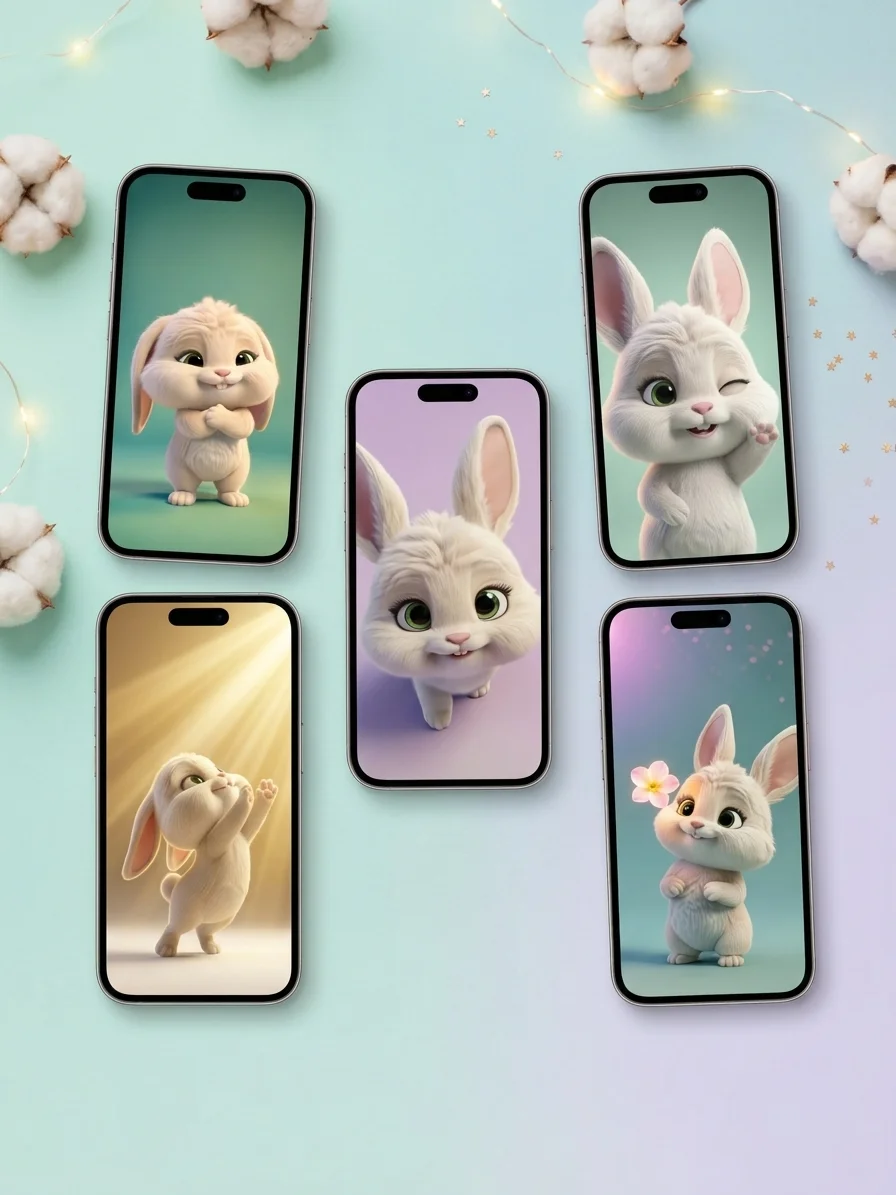
The "Whiskers of Wonder" Collection is a curated journey through Chibbly’s world of light, love, and curiosity. We’ve taken the moments that made you smile, cry, and feel comforted on social media and turned them into five premium, high-fidelity 3D wallpapers.
From the soul-stirring "I Got You" hug to the breathtaking "Sunbeam Seeker," this collection is designed to mirror your heart’s most precious moods. Why settle for one when you can have the full story? Transform your device into a pocket-sized sanctuary of "Warm Hugs" and Pixar-level magic.
What’s inside your digital sanctuary:
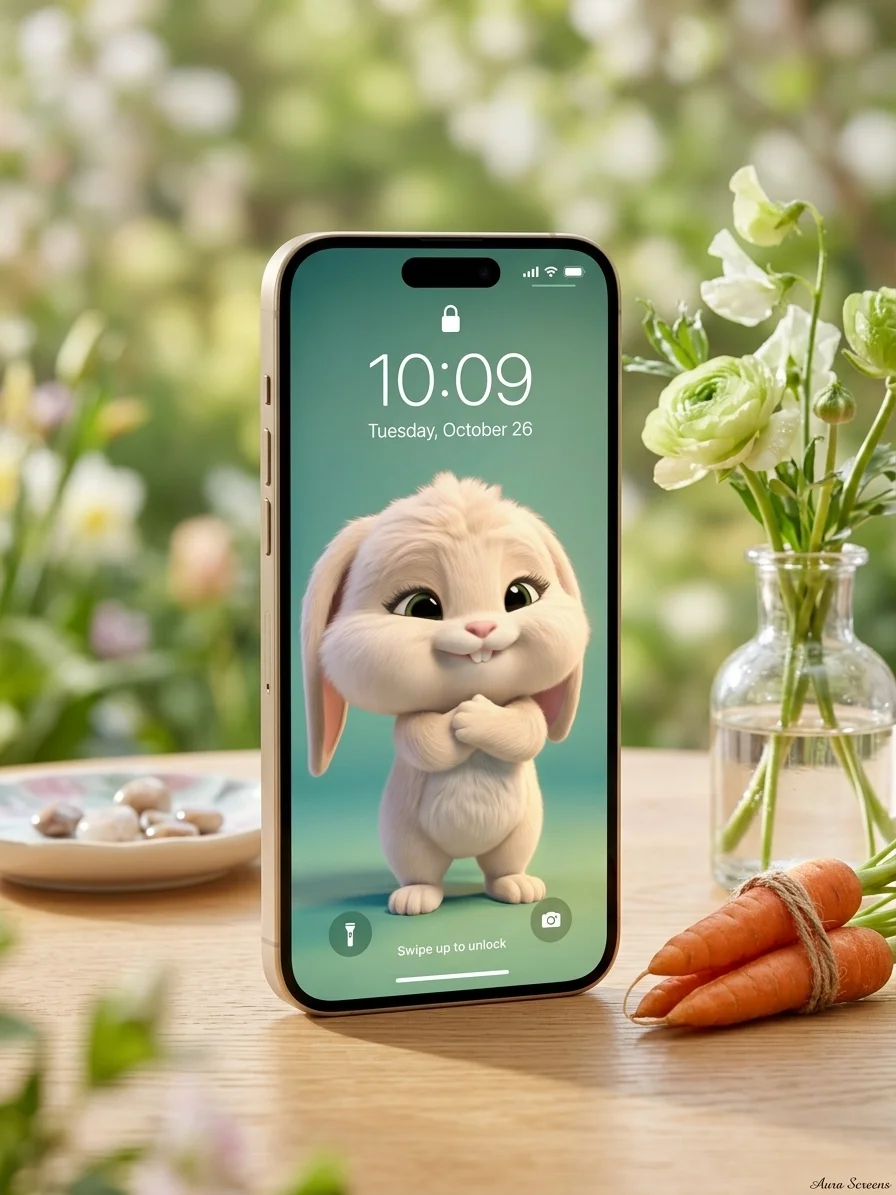
- The "I Got You" Hug: The viral symbol of support and friendship.
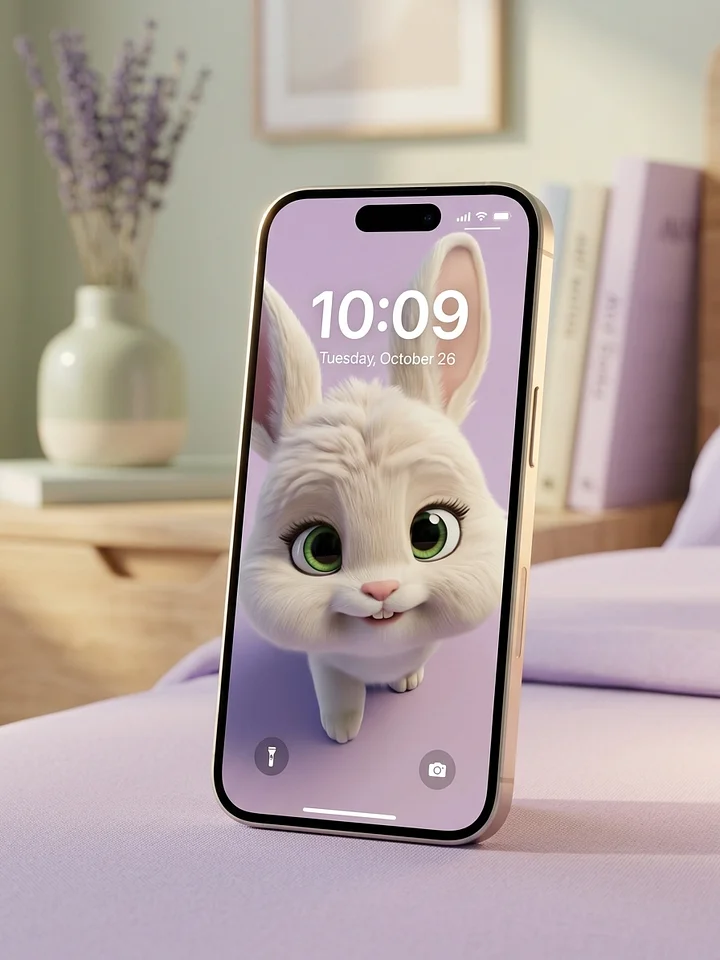
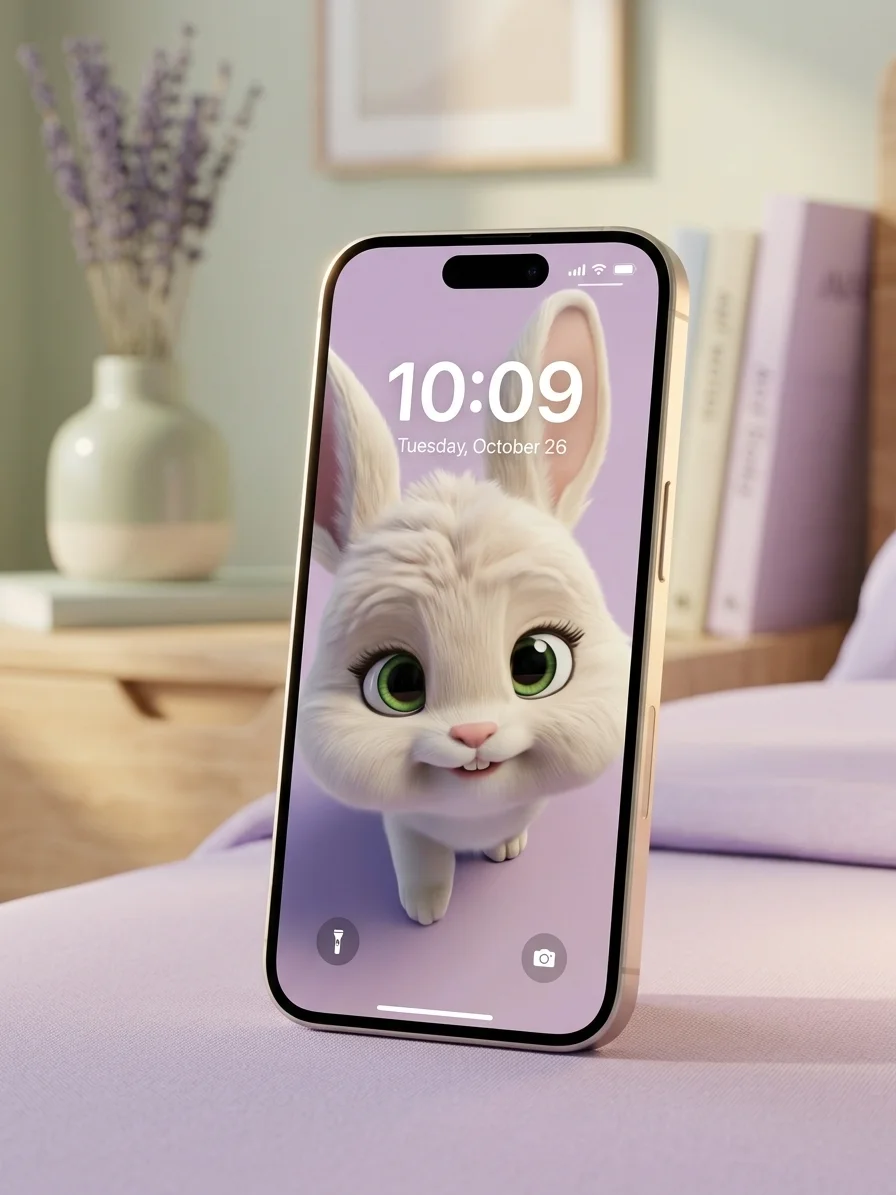
- The Soulful Gaze: That unforgettable, loving look that says more than words ever could.
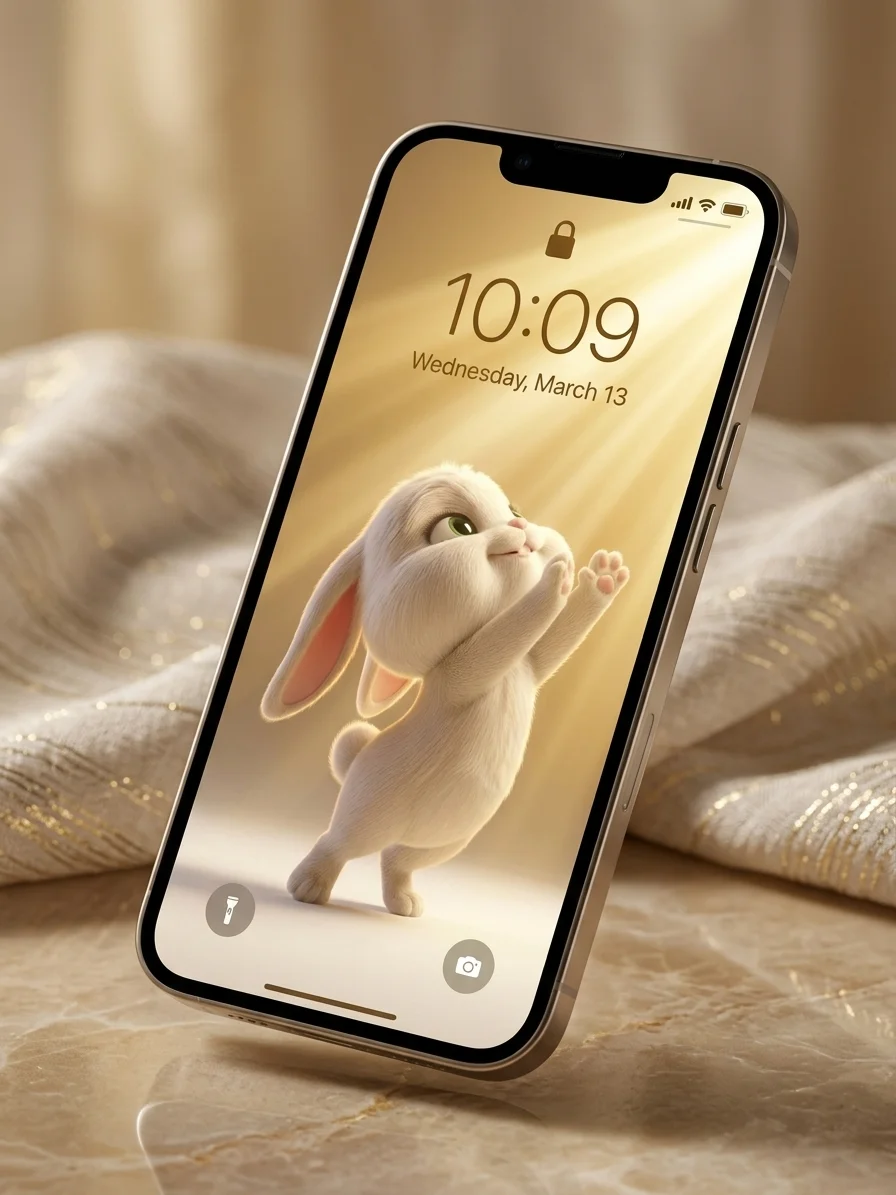
- The Sunbeam Seeker: A masterpiece of golden light and new beginnings.
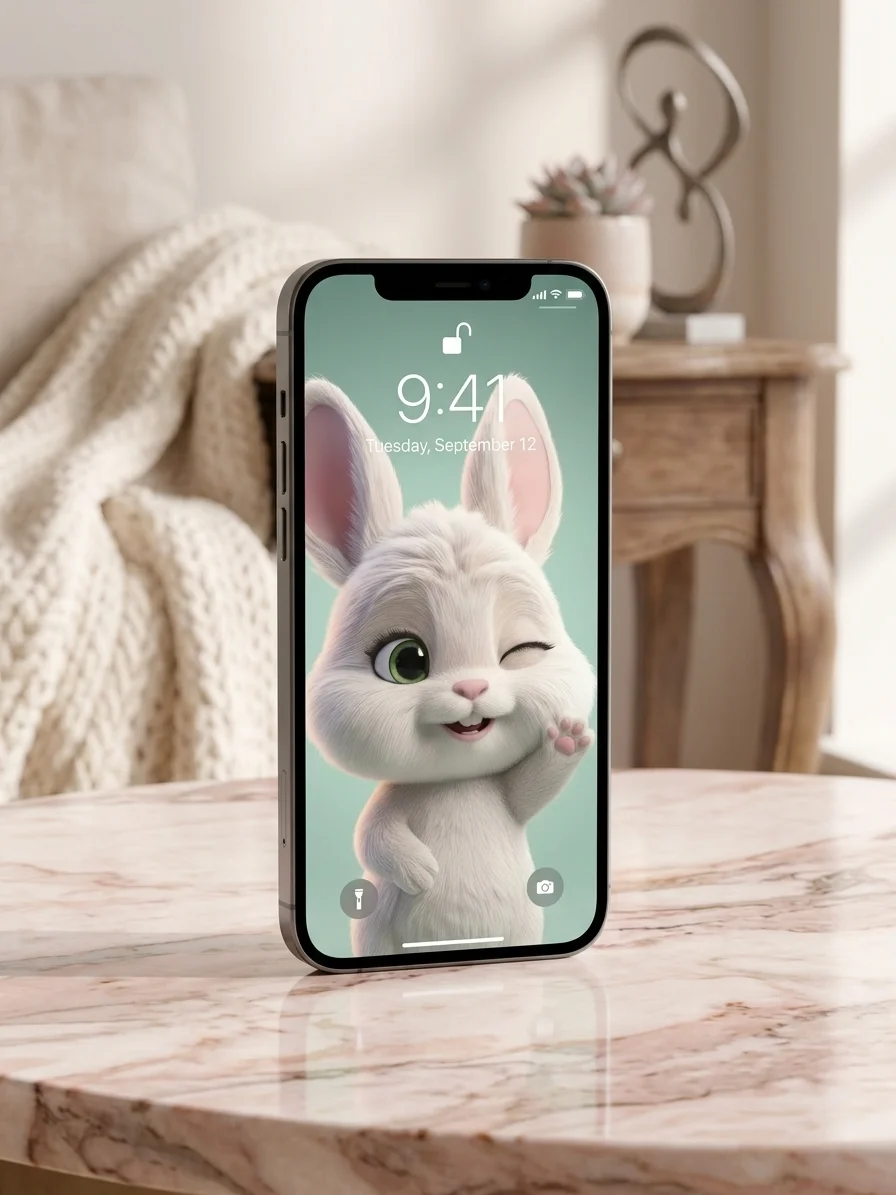
- The Winking Welcome: A playful spark of joy to start your day.
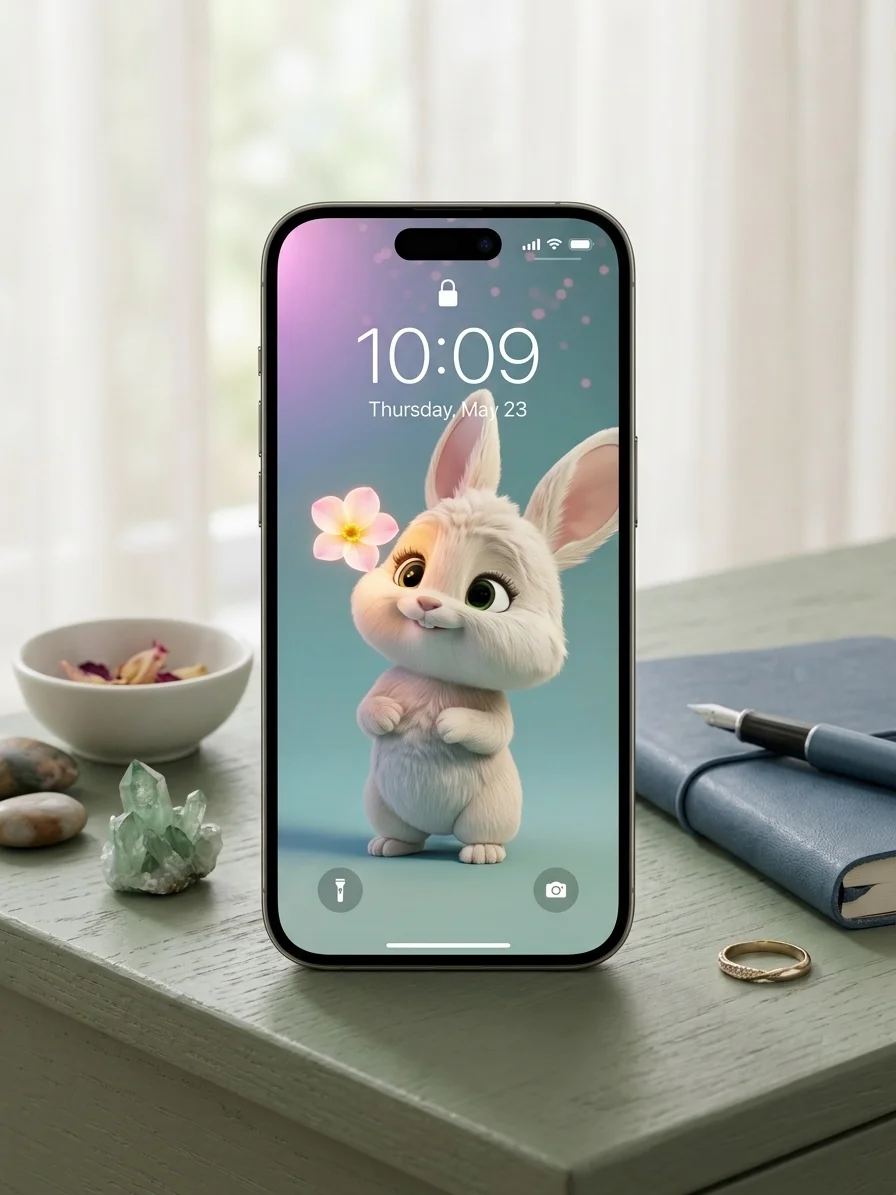
- The Petal Promise: A cinematic moment of peace under the starlight.
Collection Highlights:
- 5 Ultra-HD Wallpapers: Precision-rendered for maximum clarity on all modern smartphones.
- Souvenir Edition: Own the high-res versions of Chibbly’s most-loved viral scenes.
- Cohesive Aesthetic: A professional blend of golden hour glows and calming pastels.
Don’t just watch the magic. Carry it with you. Never be without a hug.


How to optimize your new wallpaper
The "I Got You" Hug – Wallpaper
For iPhone (iOS) Users:
-
Open the image in your Photos app, tap the 'Share' icon, and select Use as Wallpaper.
-
IMPORTANT: Use two fingers to slightly pinch/zoom or adjust the positioning.
-
If you turn the Depth Effect ON, Chibbly’s ears or Chewy’s head will pop in front of your clock!
-
Tap 'Done'.
For Android Users:
-
Open the image and tap the three dots > Set as Wallpaper.
-
Choose Lock Screen.
-
Since Android layouts vary, drag the image until Chewy and Chibbly peek perfectly between your shortcuts.
-
Confirm and enjoy!
The "Soulful Gaze" Wallpaper
For iPhone (iOS) Users:
-
Open the image in your Photos app, tap the 'Share' icon, and select Use as Wallpaper.
-
IMPORTANT: Use two fingers to slightly pinch/zoom or adjust the positioning.
-
If you turn the Depth Effect ON, Chibbly’s ears or Chewy’s head will pop in front of your clock!
-
Tap 'Done'.
For Android Users:
-
Open the image and tap the three dots > Set as Wallpaper.
-
Choose Lock Screen.
-
Since Android layouts vary, drag the image until Chewy and Chibbly peek perfectly between your shortcuts.
-
Confirm and enjoy!
The "Sunbeam Seeker" – Wallpaper
For iPhone (iOS) Users:
-
Open the image in your Photos app, tap the 'Share' icon, and select Use as Wallpaper.
-
IMPORTANT: Use two fingers to slightly pinch/zoom or adjust the positioning.
-
If you turn the Depth Effect ON, Chibbly’s ears or Chewy’s head will pop in front of your clock!
-
Tap 'Done'.
For Android Users:
-
Open the image and tap the three dots > Set as Wallpaper.
-
Choose Lock Screen.
-
Since Android layouts vary, drag the image until Chewy and Chibbly peek perfectly between your shortcuts.
-
Confirm and enjoy!
The "Petal Promise" Wallpaper
For iPhone (iOS) Users:
-
Open the image in your Photos app, tap the 'Share' icon, and select Use as Wallpaper.
-
IMPORTANT: Use two fingers to slightly pinch/zoom or adjust the positioning.
-
If you turn the Depth Effect ON, Chibbly’s ears or Chewy’s head will pop in front of your clock!
-
Tap 'Done'.
For Android Users:
-
Open the image and tap the three dots > Set as Wallpaper.
-
Choose Lock Screen.
-
Since Android layouts vary, drag the image until Chewy and Chibbly peek perfectly between your shortcuts.
-
Confirm and enjoy!
The "Winking Welcome" Wallpaper
For iPhone (iOS) Users:
-
Open the image in your Photos app, tap the 'Share' icon, and select Use as Wallpaper.
-
IMPORTANT: Use two fingers to slightly pinch/zoom or adjust the positioning.
-
If you turn the Depth Effect ON, Chibbly’s ears or Chewy’s head will pop in front of your clock!
-
Tap 'Done'.
For Android Users:
-
Open the image and tap the three dots > Set as Wallpaper.
-
Choose Lock Screen.
-
Since Android layouts vary, drag the image until Chewy and Chibbly peek perfectly between your shortcuts.
-
Confirm and enjoy!