The "Pocket Full of Magic" - Chewy's Digital Collection
Why settle for one hug when you can have five? 🐹✨
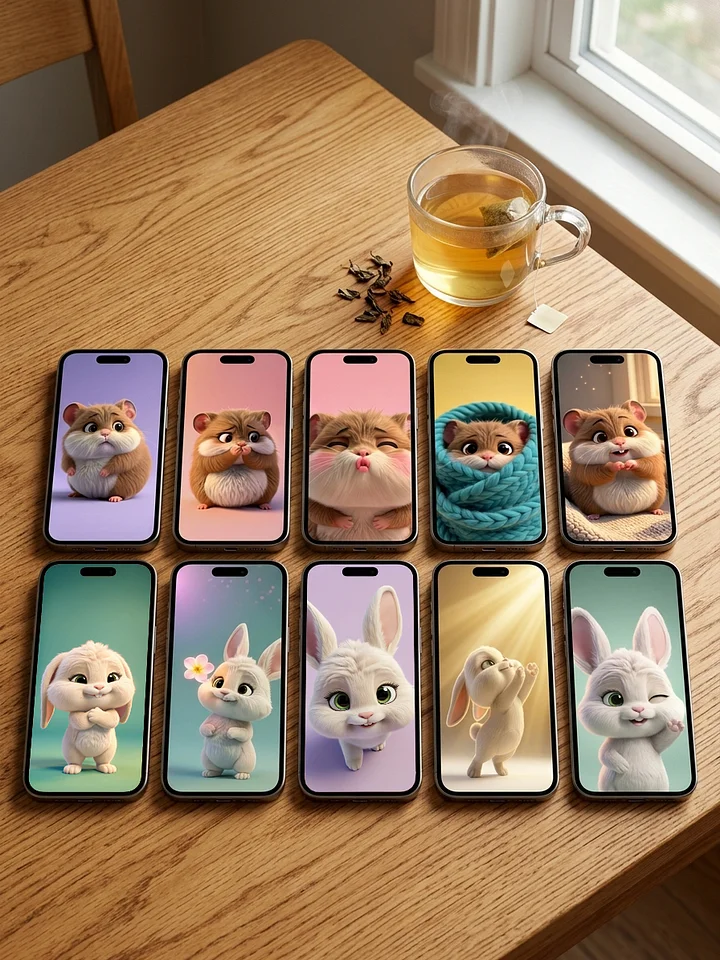
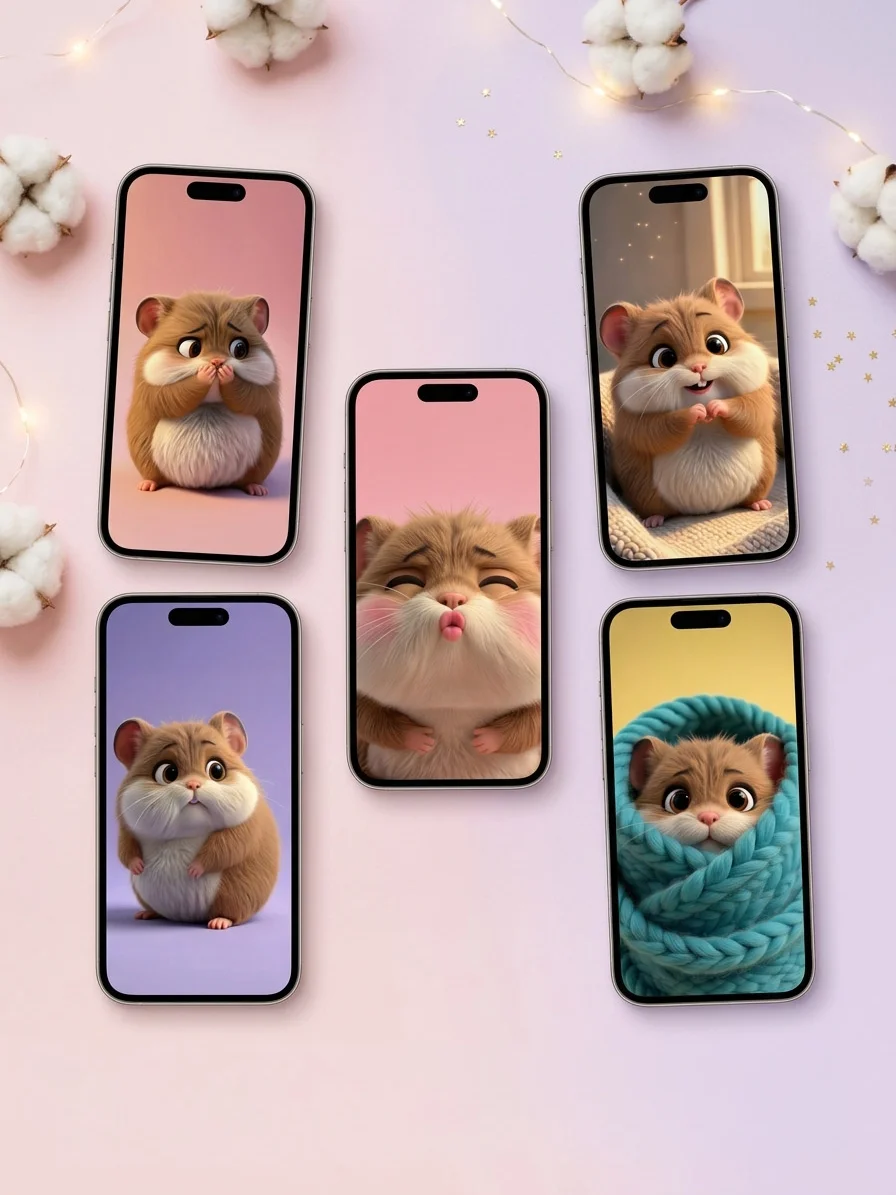
The world can be a lot to handle, but your phone doesn’t have to be. We’ve curated The "Pocket Full of Magic" - Chewy's Digital Collection to ensure that no matter how you’re feeling, Chewy is there to mirror your heart and brighten your day.
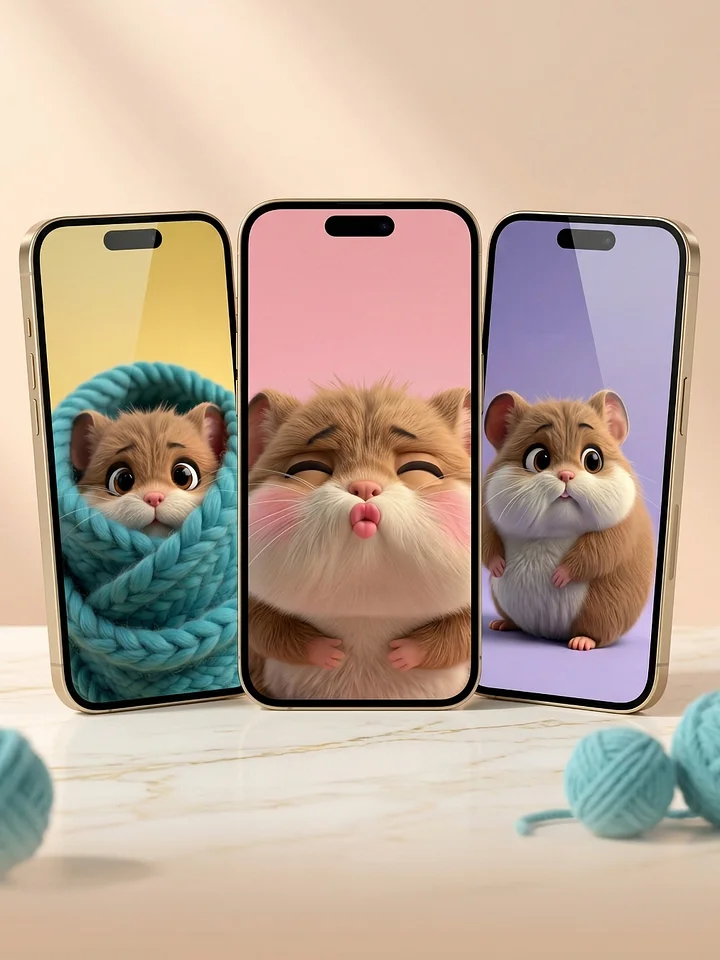
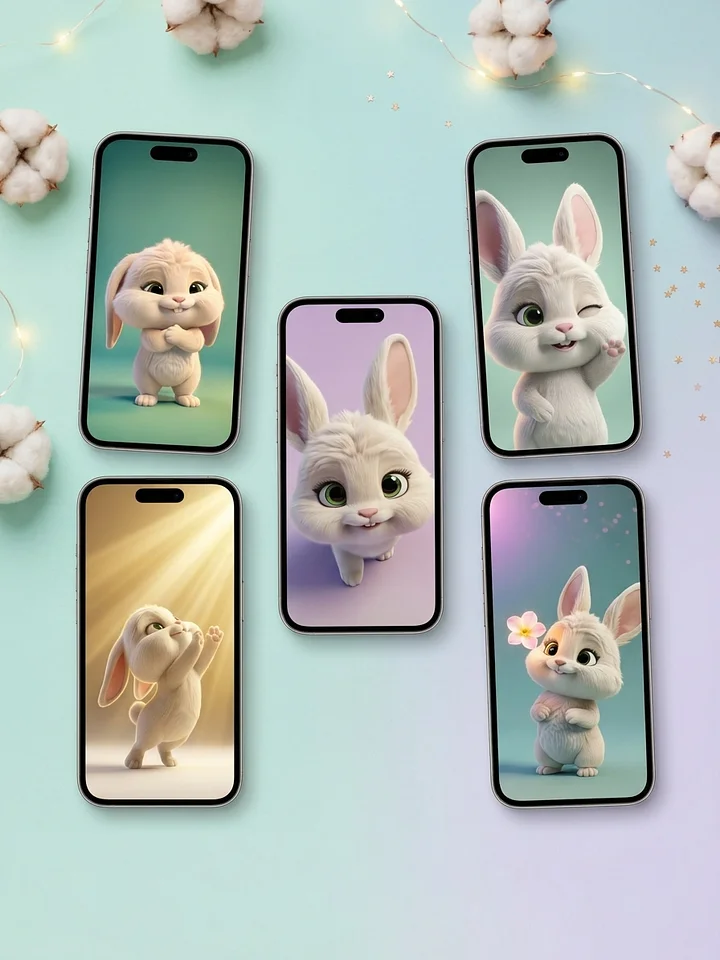
This exclusive bundle features our five most-loved 3D artworks, each designed to serve a different mood. From the cozy safety of the "Snuggle Burrito" to the pure gratitude of the "Paw Heart," this collection transforms your device into a sanctuary of warmth and magic.
What’s inside your digital hug:
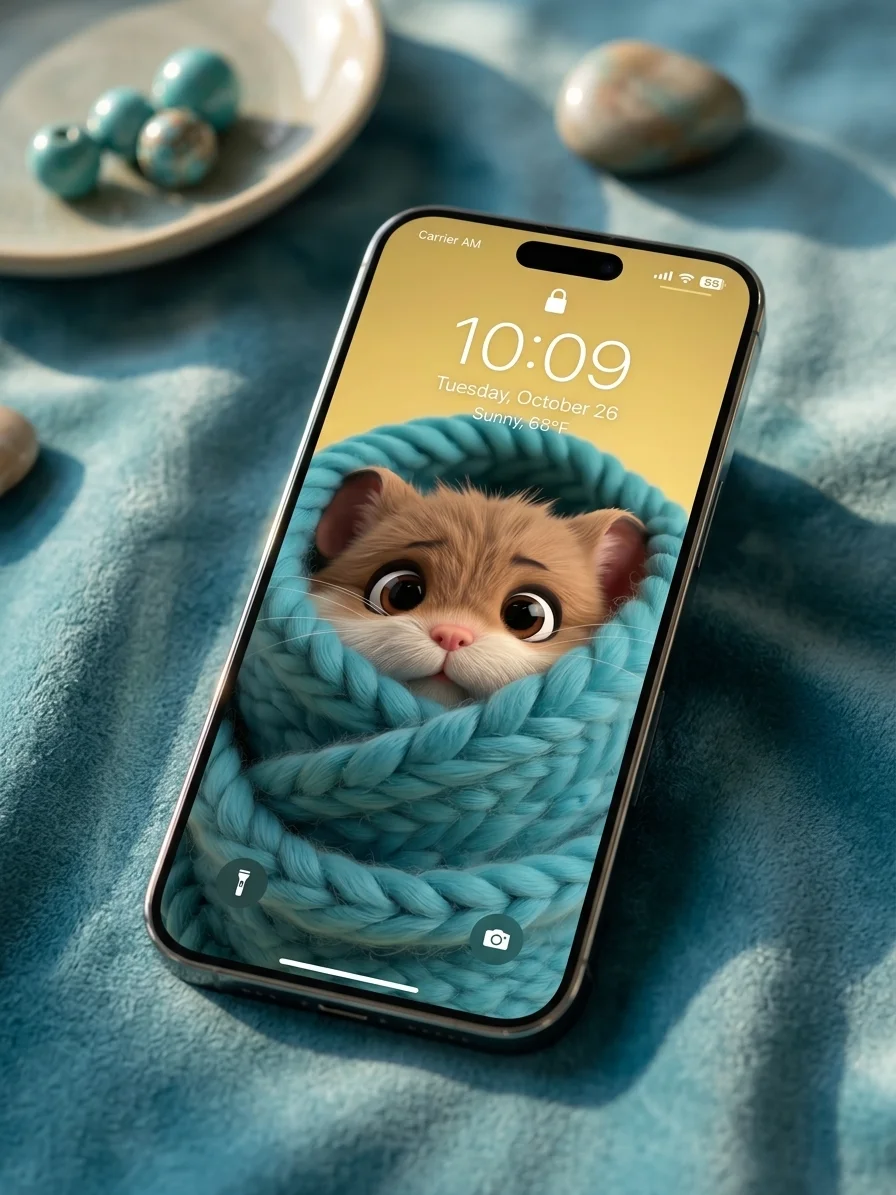
- The Snuggle Burrito: For those days you just need to feel safe and cozy.
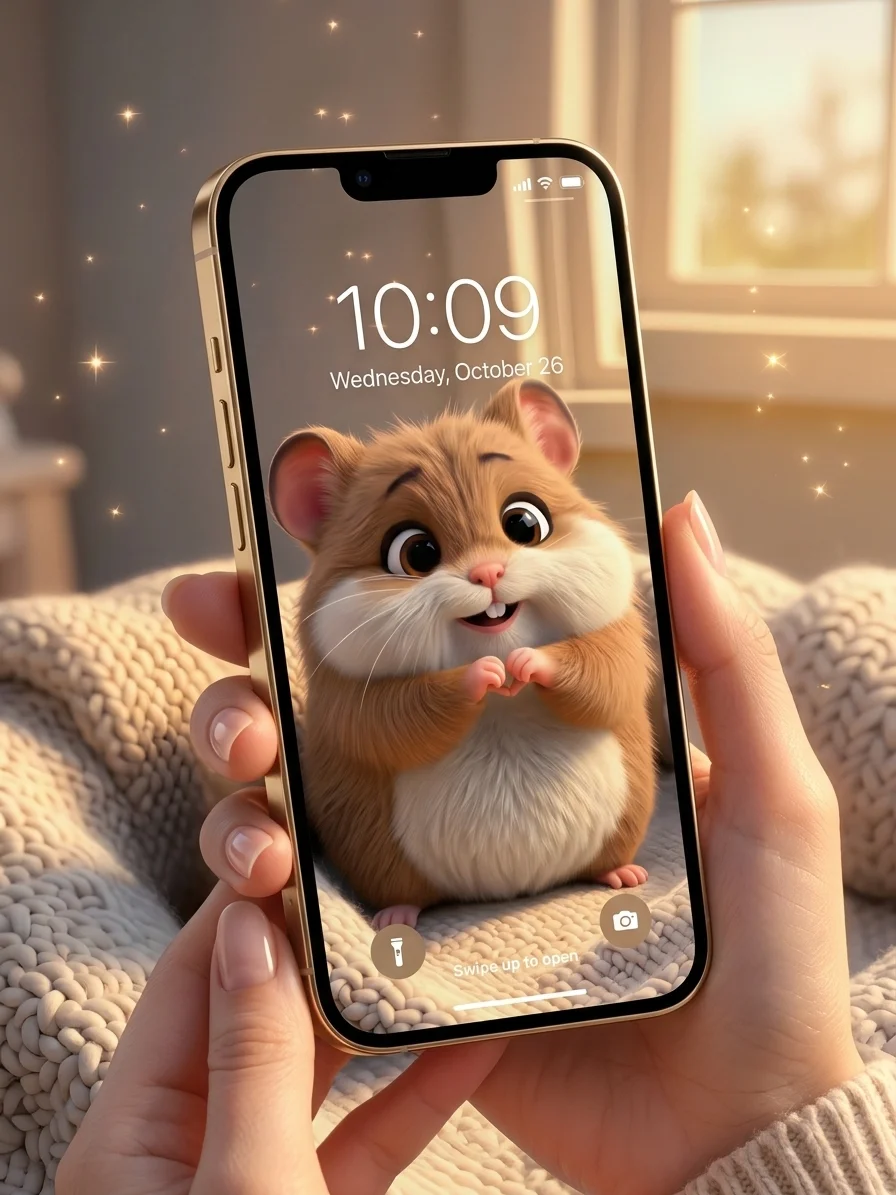
- The Paw Heart: A daily reminder that you are loved and cherished.
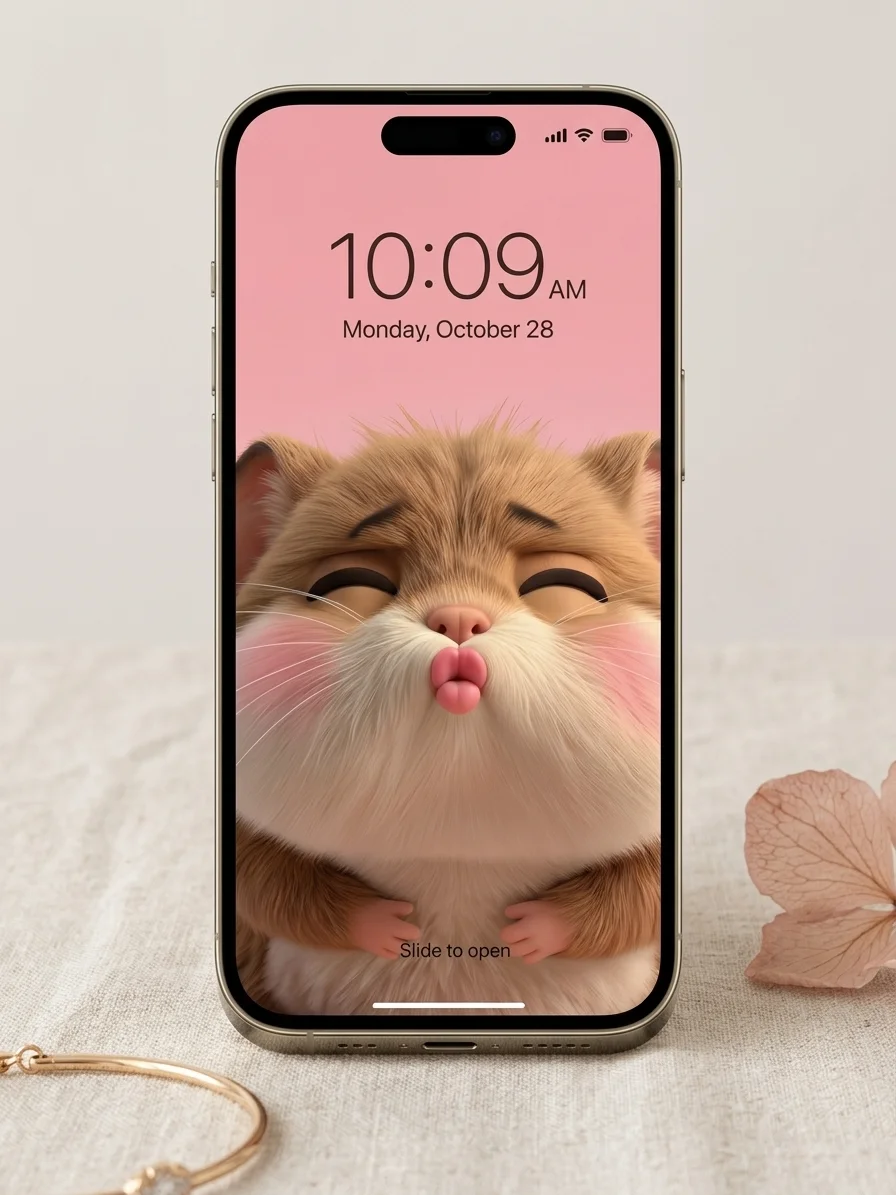
- The Tiny Smooch: A burst of joy and affection for your lock screen.
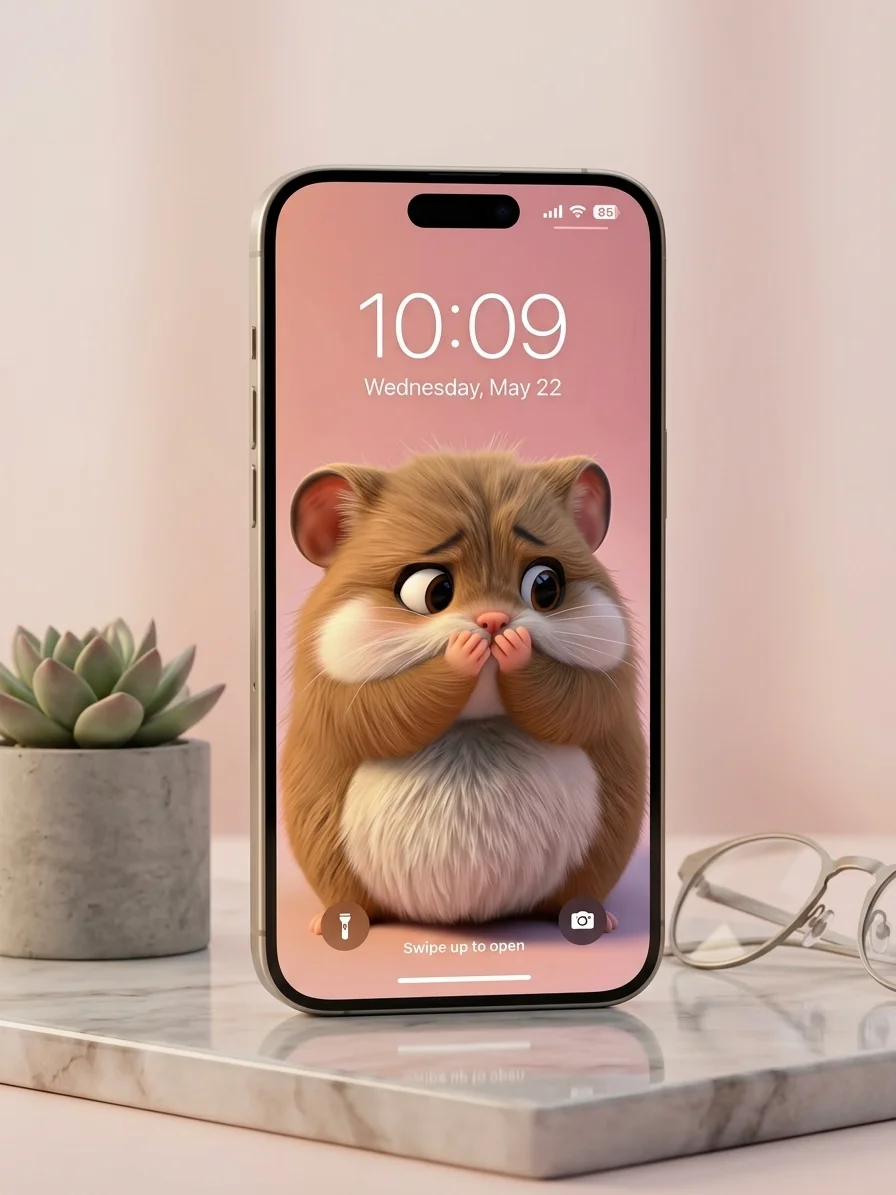
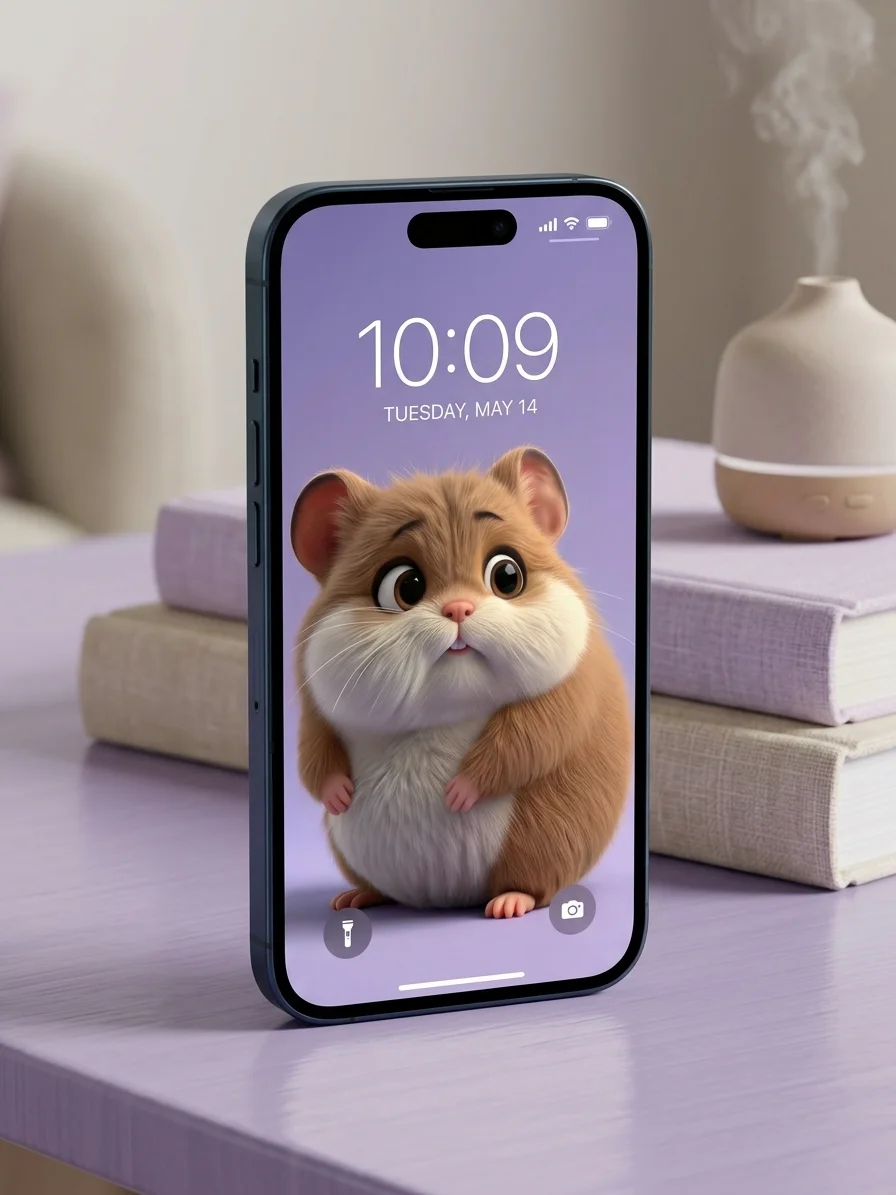
- Handle with Care: A soft, lavender-tinted companion for your quietest moments.
- Quiet Curiosity: A calming presence for when you’re focused and thoughtful.
Collection Highlights:
- 5 Ultra-HD Mobile Optimized Wallpapers: Optimized for the highest resolution on all iPhone and Android devices (1290x2796px).
- Cohesive Aesthetic: A beautiful mix of pastels and gold that keeps your phone looking premium.
- Bundle Value: Get the complete emotional journey of Chewy for a special collection price.
Bring the magic home. Carry the warmth. Never be without a hug.


How to optimize your new wallpaper
The "Paw Heart Gratitude" Wallpaper
For iPhone (iOS) Users:
-
Open the image in your Photos app, tap the 'Share' icon, and select Use as Wallpaper.
-
IMPORTANT: Use two fingers to slightly pinch/zoom or adjust the positioning.
-
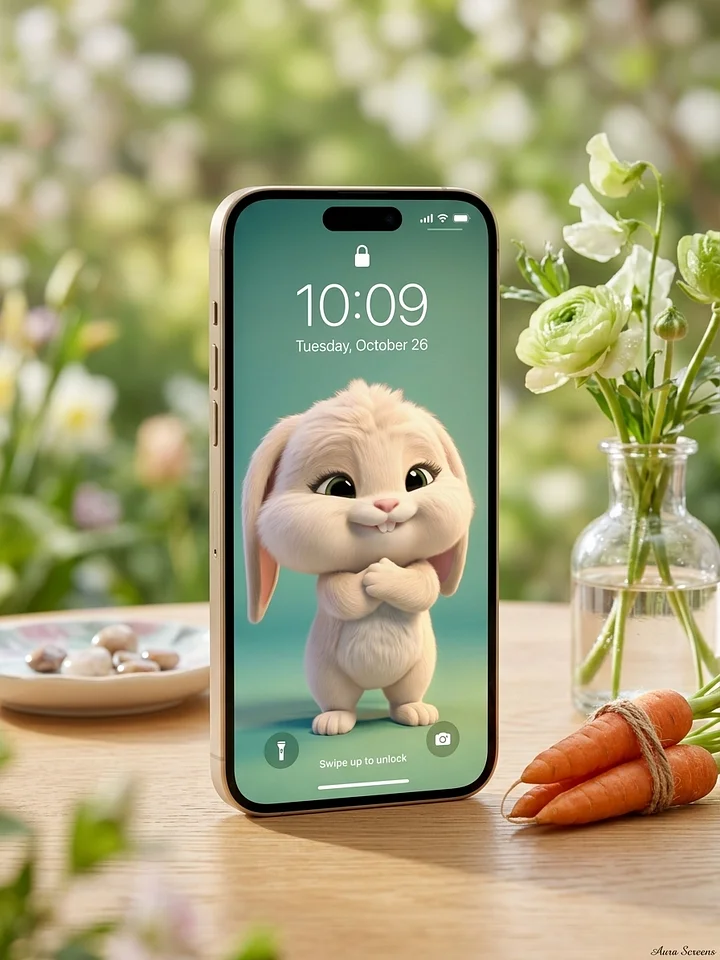
If you turn the Depth Effect ON, Chibbly’s ears or Chewy’s head will pop in front of your clock!
-
Tap 'Done'.
For Android Users:
-
Open the image and tap the three dots > Set as Wallpaper.
-
Choose Lock Screen.
-
Since Android layouts vary, drag the image until Chewy and Chibbly peek perfectly between your shortcuts.
-
Confirm and enjoy!
The "Handle with Care" Wallpaper
For iPhone (iOS) Users:
-
Open the image in your Photos app, tap the 'Share' icon, and select Use as Wallpaper.
-
IMPORTANT: Use two fingers to slightly pinch/zoom or adjust the positioning.
-
If you turn the Depth Effect ON, Chibbly’s ears or Chewy’s head will pop in front of your clock!
-
Tap 'Done'.
For Android Users:
-
Open the image and tap the three dots > Set as Wallpaper.
-
Choose Lock Screen.
-
Since Android layouts vary, drag the image until Chewy and Chibbly peek perfectly between your shortcuts.
-
Confirm and enjoy!
The "Quiet Curiosity" Wallpaper
For iPhone (iOS) Users:
-
Open the image in your Photos app, tap the 'Share' icon, and select Use as Wallpaper.
-
IMPORTANT: Use two fingers to slightly pinch/zoom or adjust the positioning.
-
If you turn the Depth Effect ON, Chibbly’s ears or Chewy’s head will pop in front of your clock!
-
Tap 'Done'.
For Android Users:
-
Open the image and tap the three dots > Set as Wallpaper.
-
Choose Lock Screen.
-
Since Android layouts vary, drag the image until Chewy and Chibbly peek perfectly between your shortcuts.
-
Confirm and enjoy!
The "Snuggle Burrito" Wallpaper
For iPhone (iOS) Users:
-
Open the image in your Photos app, tap the 'Share' icon, and select Use as Wallpaper.
-
IMPORTANT: Use two fingers to slightly pinch/zoom or adjust the positioning.
-
If you turn the Depth Effect ON, Chibbly’s ears or Chewy’s head will pop in front of your clock!
-
Tap 'Done'.
For Android Users:
-
Open the image and tap the three dots > Set as Wallpaper.
-
Choose Lock Screen.
-
Since Android layouts vary, drag the image until Chewy and Chibbly peek perfectly between your shortcuts.
-
Confirm and enjoy!
The "Tiny Smooch" Wallpaper
For iPhone (iOS) Users:
-
Open the image in your Photos app, tap the 'Share' icon, and select Use as Wallpaper.
-
IMPORTANT: Use two fingers to slightly pinch/zoom or adjust the positioning.
-
If you turn the Depth Effect ON, Chibbly’s ears or Chewy’s head will pop in front of your clock!
-
Tap 'Done'.
For Android Users:
-
Open the image and tap the three dots > Set as Wallpaper.
-
Choose Lock Screen.
-
Since Android layouts vary, drag the image until Chewy and Chibbly peek perfectly between your shortcuts.
-
Confirm and enjoy!