

The "Pocket Full of Magic" – Ultimate Digital Collection
Why settle for one hug when you can have five? 🐹✨
The world can be a lot to handle, but your phone doesn’t have to be. We’ve curated the "Pocket Full of Magic" Collection to ensure that no matter how you’re feeling, Chewy is there to mirror your heart and brighten your day.
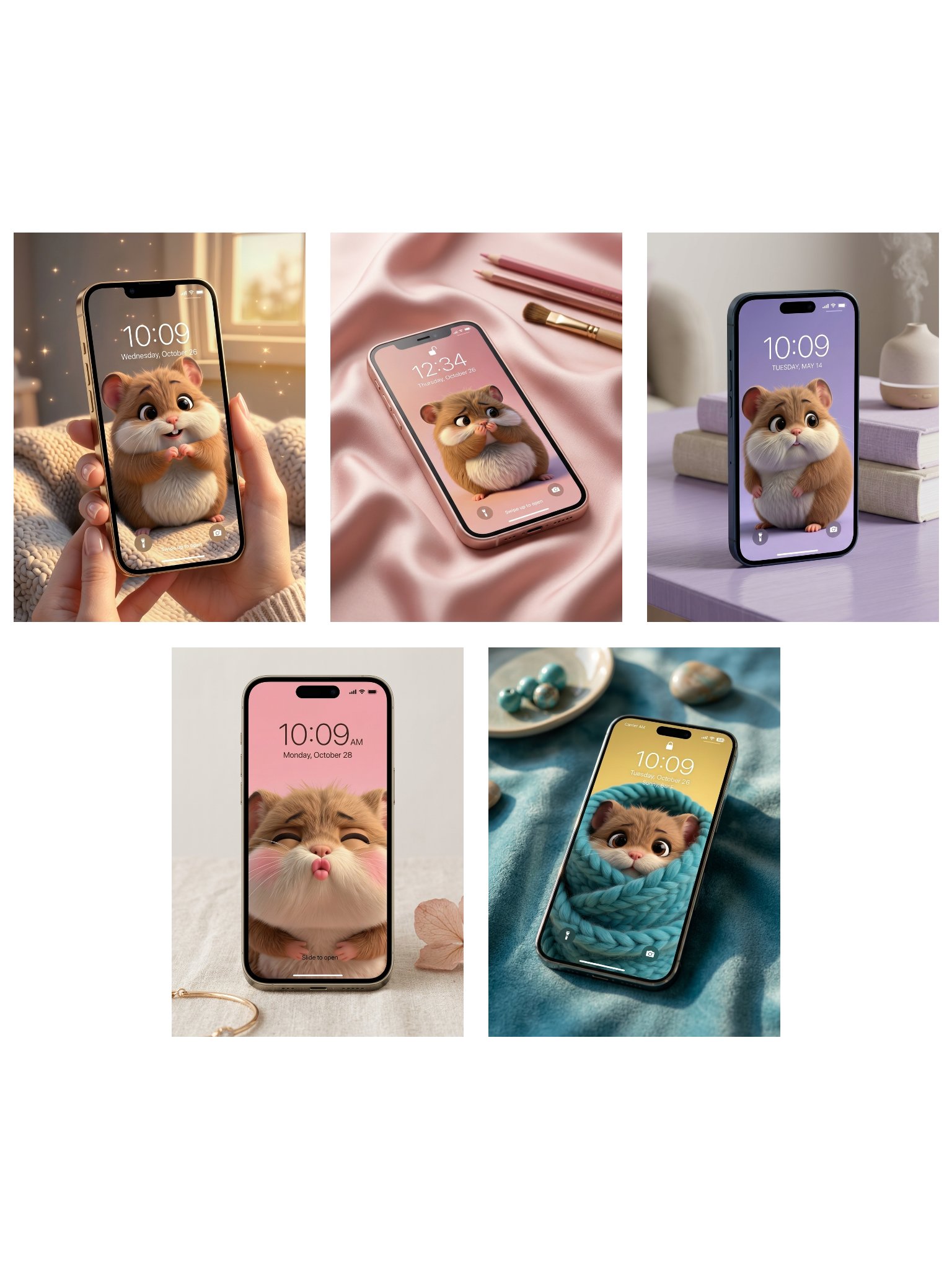
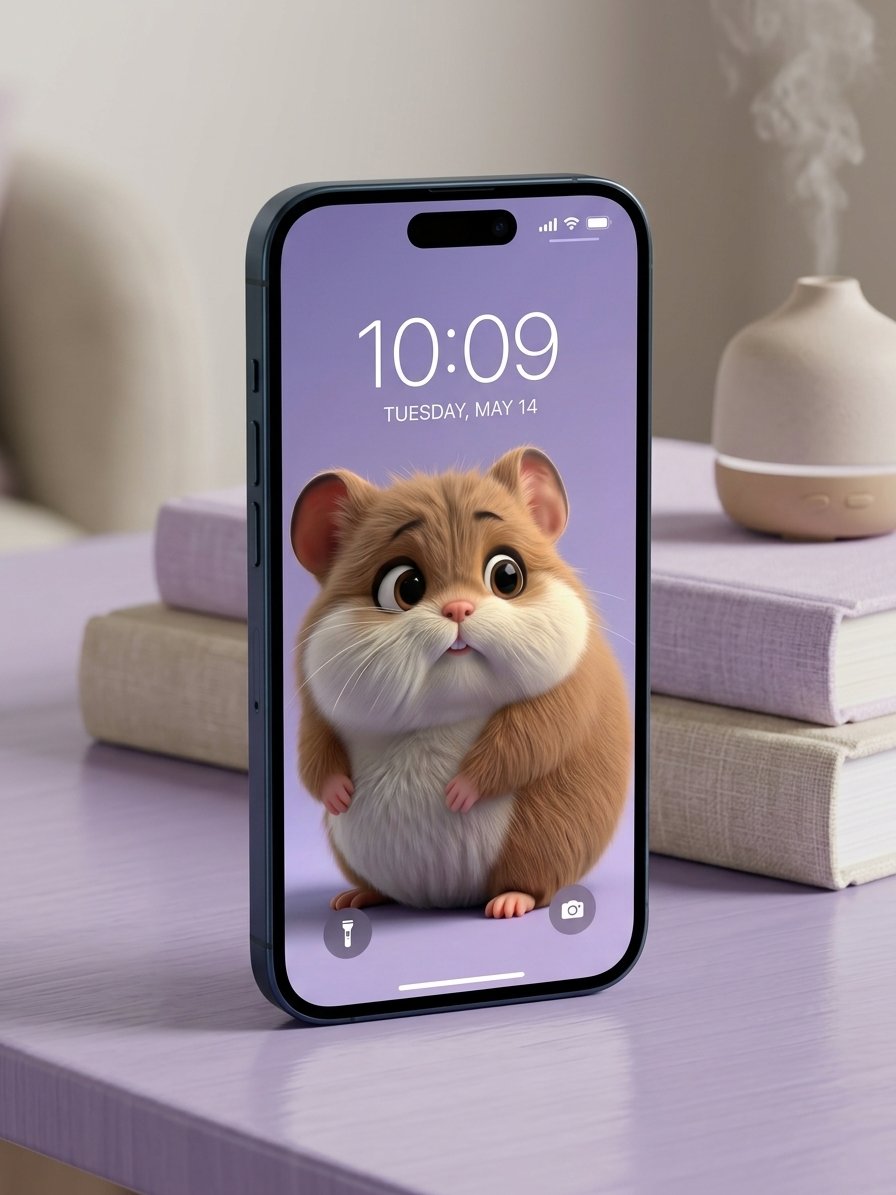
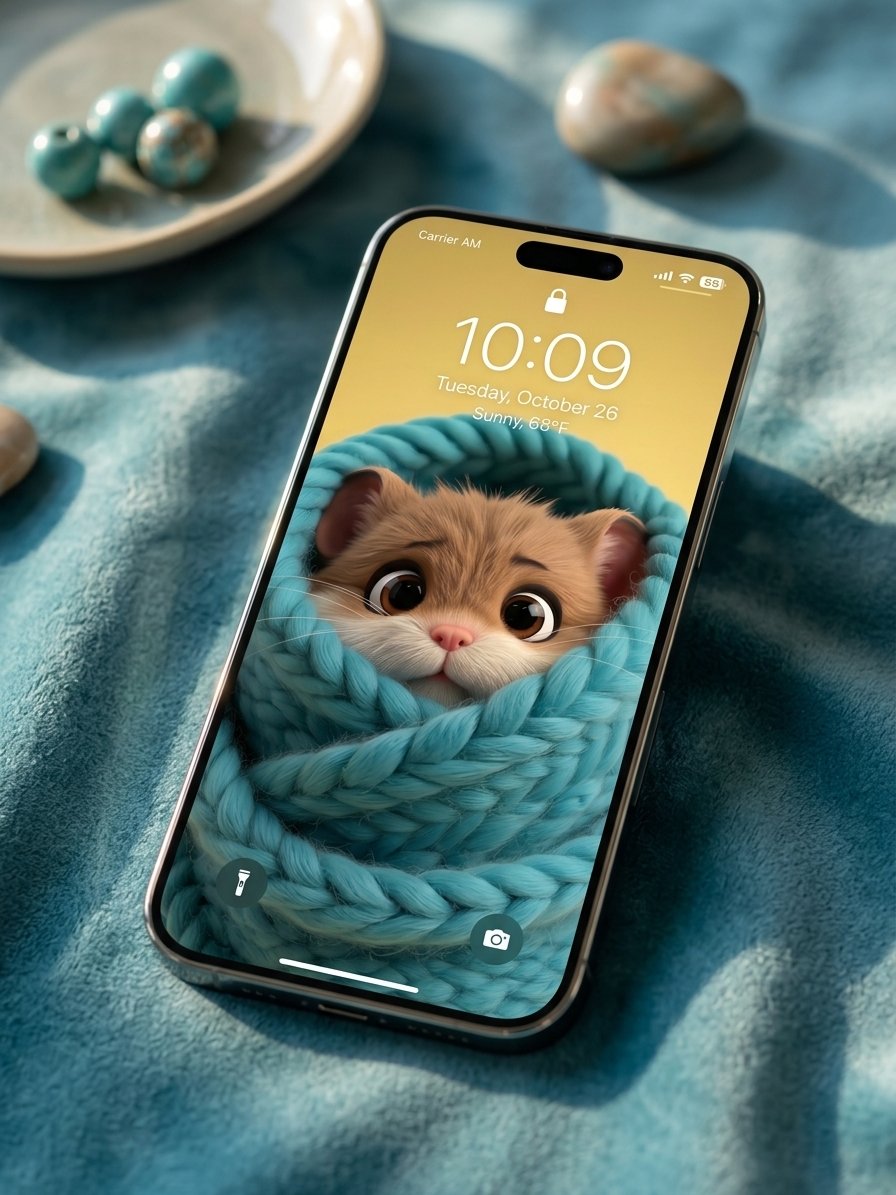
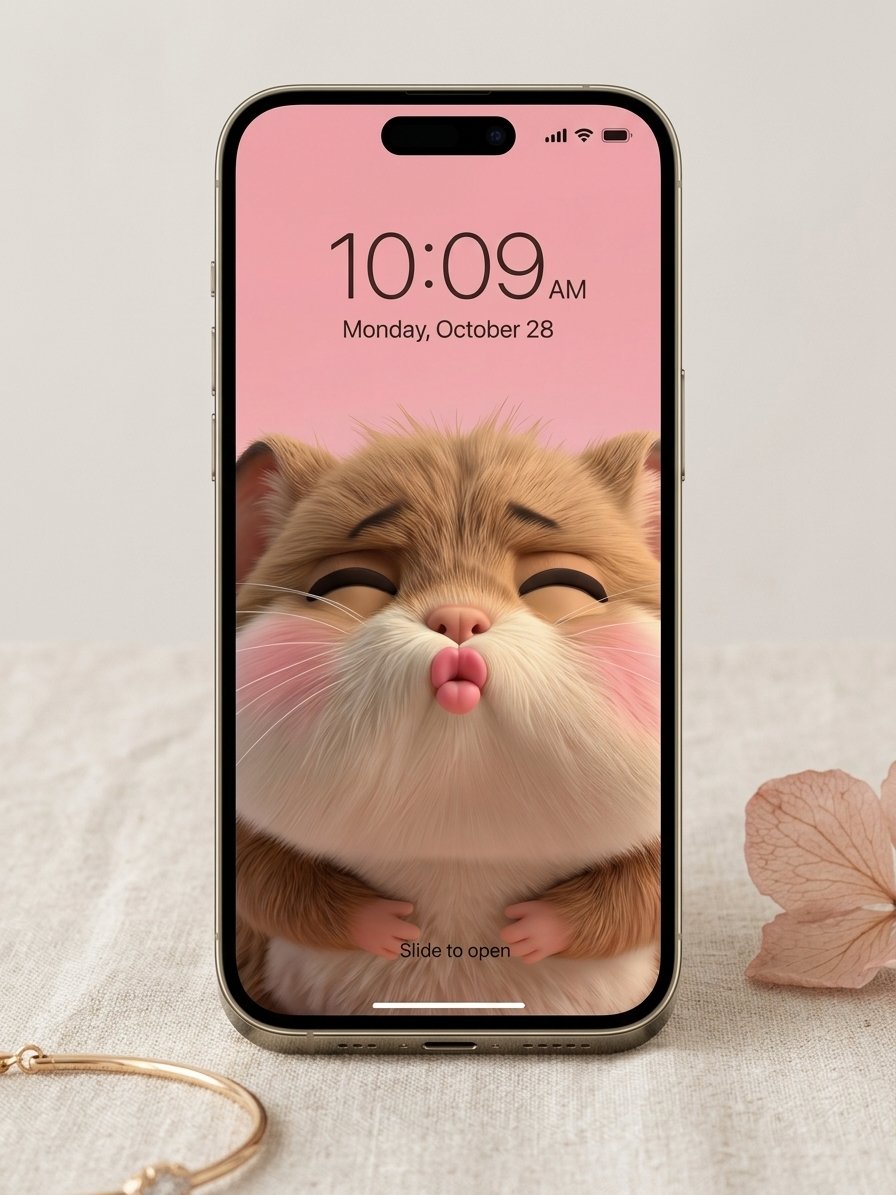
This exclusive bundle features our five most-loved 3D artworks, each designed to serve a different mood. From the cozy safety of the "Snuggle Burrito" to the pure gratitude of the "Paw Heart," this collection transforms your device into a sanctuary of warmth and magic.
What’s inside your digital hug:
- The Snuggle Burrito: For those days you just need to feel safe and cozy.
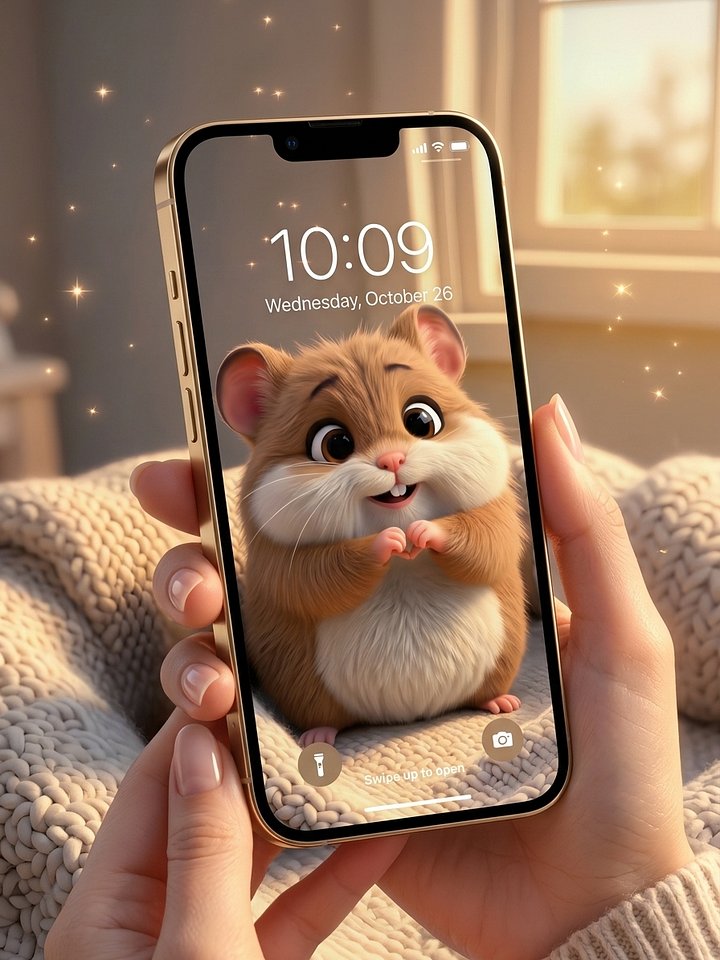
- The Paw Heart: A daily reminder that you are loved and cherished.
- The Tiny Smooch: A burst of joy and affection for your lock screen.
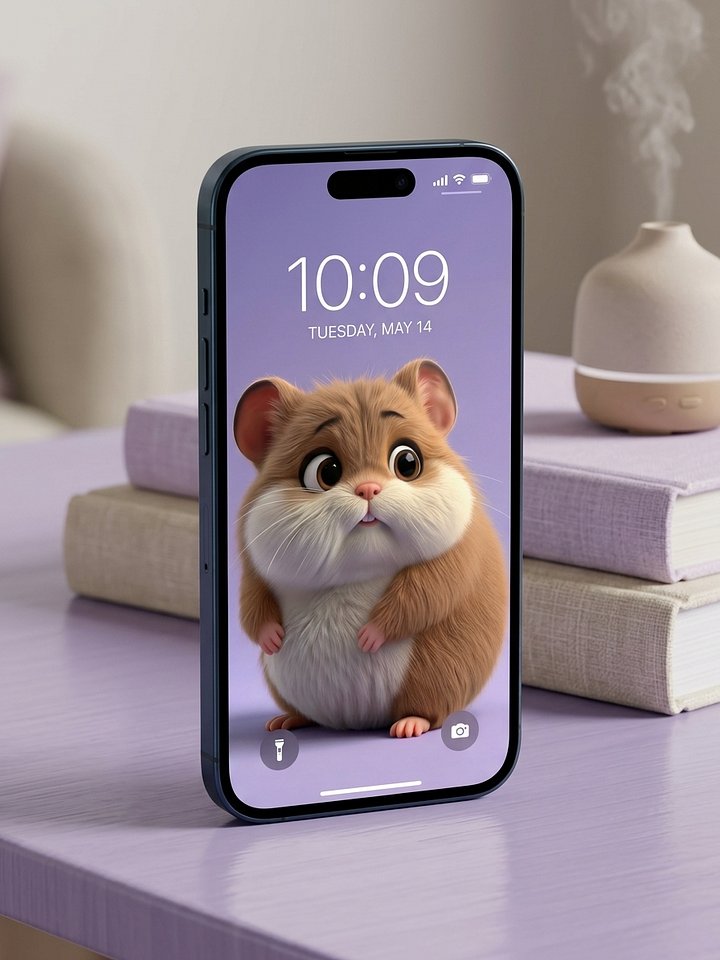
- Handle with Care: A soft, lavender-tinted companion for your quietest moments.
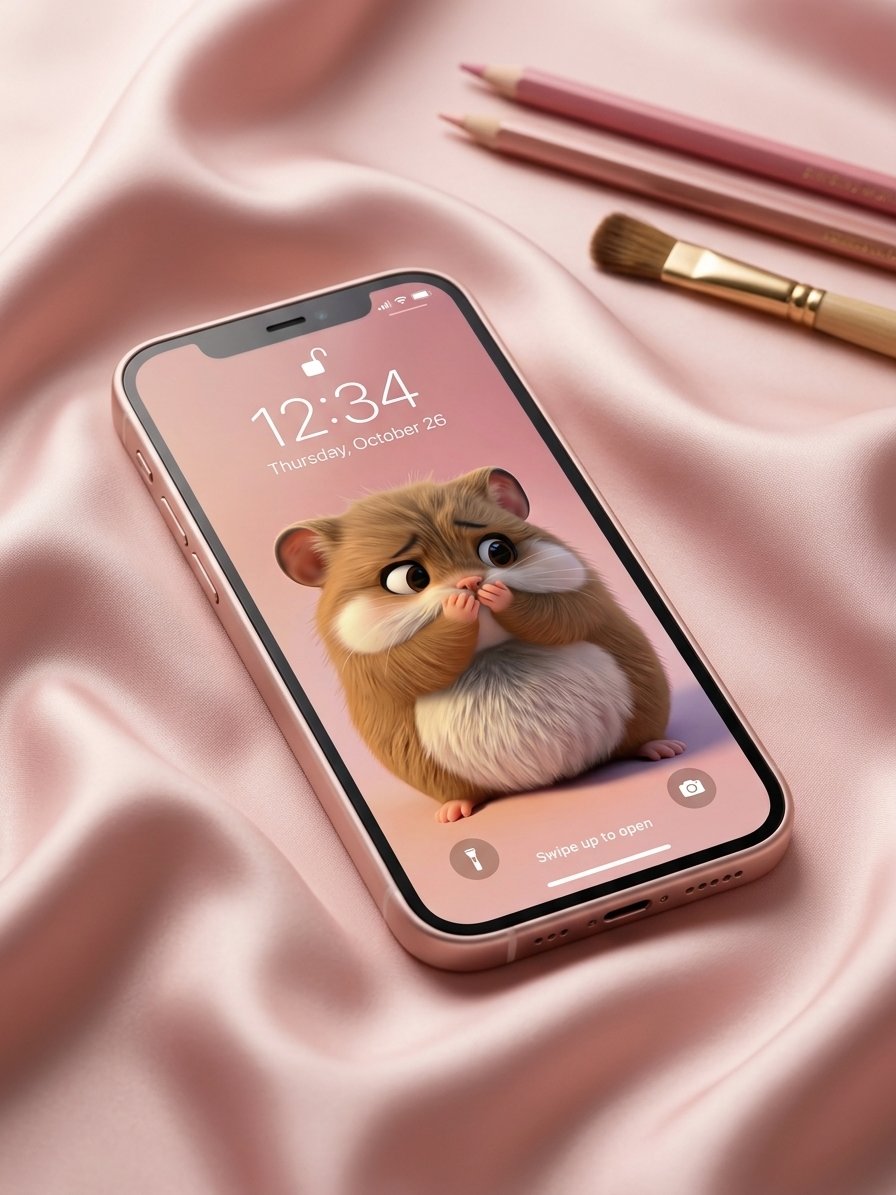
- Quiet Curiosity: A calming presence for when you’re focused and thoughtful.
Collection Highlights:
- 5 Wallpapers: Optimized for the highest resolution on all iPhone and Android devices.
- Cohesive Aesthetic: A beautiful mix of pastels and gold that keeps your phone looking premium.
- Bundle Value: Get the complete emotional journey of Chewy for a special collection price.
Bring the magic home. Carry the warmth. Never be without a hug.


How to optimize your new wallpaper
The "Paw Heart Gratitude" Wallpaper
For iPhone (iOS) Users:
-
Open the image in your Photos app, tap the 'Share' icon, and select Use as Wallpaper.
-
IMPORTANT: Use two fingers to slightly pinch/zoom or adjust the positioning.
-
If you turn the Depth Effect ON, Chibbly’s ears or Chewy’s head will pop in front of your clock!
-
Tap 'Done'.
For Android Users:
-
Open the image and tap the three dots > Set as Wallpaper.
-
Choose Lock Screen.
-
Since Android layouts vary, drag the image until Chewy and Chibbly peek perfectly between your shortcuts.
-
Confirm and enjoy!
The "Handle with Care" Wallpaper
For iPhone (iOS) Users:
-
Open the image in your Photos app, tap the 'Share' icon, and select Use as Wallpaper.
-
IMPORTANT: Use two fingers to slightly pinch/zoom or adjust the positioning.
-
If you turn the Depth Effect ON, Chibbly’s ears or Chewy’s head will pop in front of your clock!
-
Tap 'Done'.
For Android Users:
-
Open the image and tap the three dots > Set as Wallpaper.
-
Choose Lock Screen.
-
Since Android layouts vary, drag the image until Chewy and Chibbly peek perfectly between your shortcuts.
-
Confirm and enjoy!
The "Quiet Curiosity" Wallpaper
For iPhone (iOS) Users:
-
Open the image in your Photos app, tap the 'Share' icon, and select Use as Wallpaper.
-
IMPORTANT: Use two fingers to slightly pinch/zoom or adjust the positioning.
-
If you turn the Depth Effect ON, Chibbly’s ears or Chewy’s head will pop in front of your clock!
-
Tap 'Done'.
For Android Users:
-
Open the image and tap the three dots > Set as Wallpaper.
-
Choose Lock Screen.
-
Since Android layouts vary, drag the image until Chewy and Chibbly peek perfectly between your shortcuts.
-
Confirm and enjoy!
The "Snuggle Burrito" Digital Wallpaper
For iPhone (iOS) Users:
-
Open the image in your Photos app, tap the 'Share' icon, and select Use as Wallpaper.
-
IMPORTANT: Use two fingers to slightly pinch/zoom or adjust the positioning.
-
If you turn the Depth Effect ON, Chibbly’s ears or Chewy’s head will pop in front of your clock!
-
Tap 'Done'.
For Android Users:
-
Open the image and tap the three dots > Set as Wallpaper.
-
Choose Lock Screen.
-
Since Android layouts vary, drag the image until Chewy and Chibbly peek perfectly between your shortcuts.
-
Confirm and enjoy!
The "Tiny Smooch" Digital Wallpaper
For iPhone (iOS) Users:
-
Open the image in your Photos app, tap the 'Share' icon, and select Use as Wallpaper.
-
IMPORTANT: Use two fingers to slightly pinch/zoom or adjust the positioning.
-
If you turn the Depth Effect ON, Chibbly’s ears or Chewy’s head will pop in front of your clock!
-
Tap 'Done'.
For Android Users:
-
Open the image and tap the three dots > Set as Wallpaper.
-
Choose Lock Screen.
-
Since Android layouts vary, drag the image until Chewy and Chibbly peek perfectly between your shortcuts.
-
Confirm and enjoy!